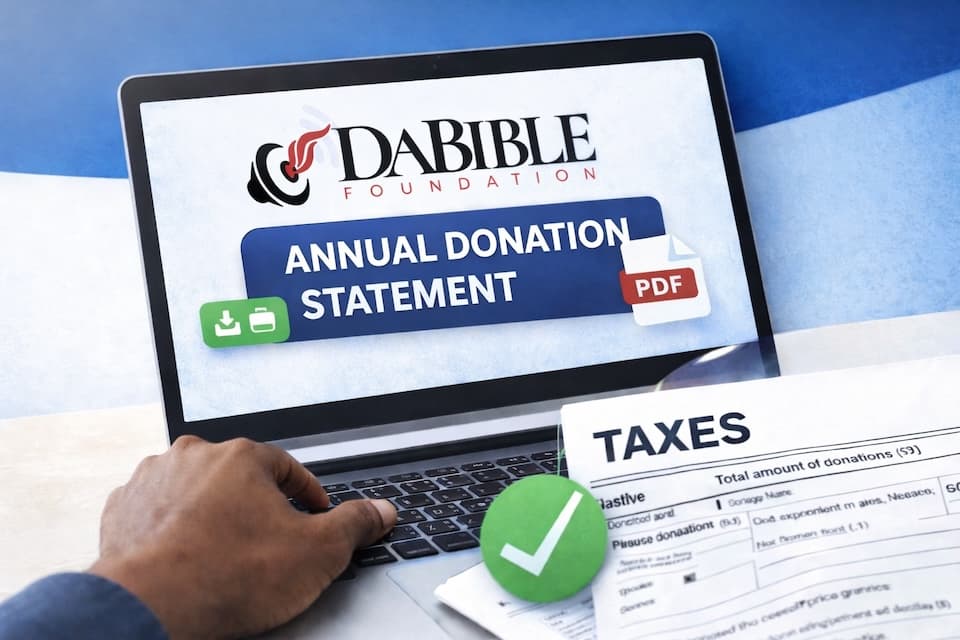
Your DaBible Foundation donor dashboard allows you to securely download your annual donation statement for tax filing in just a few steps.
Follow the guide below.
Step 1 - Request Access to Your Donor Dashboard
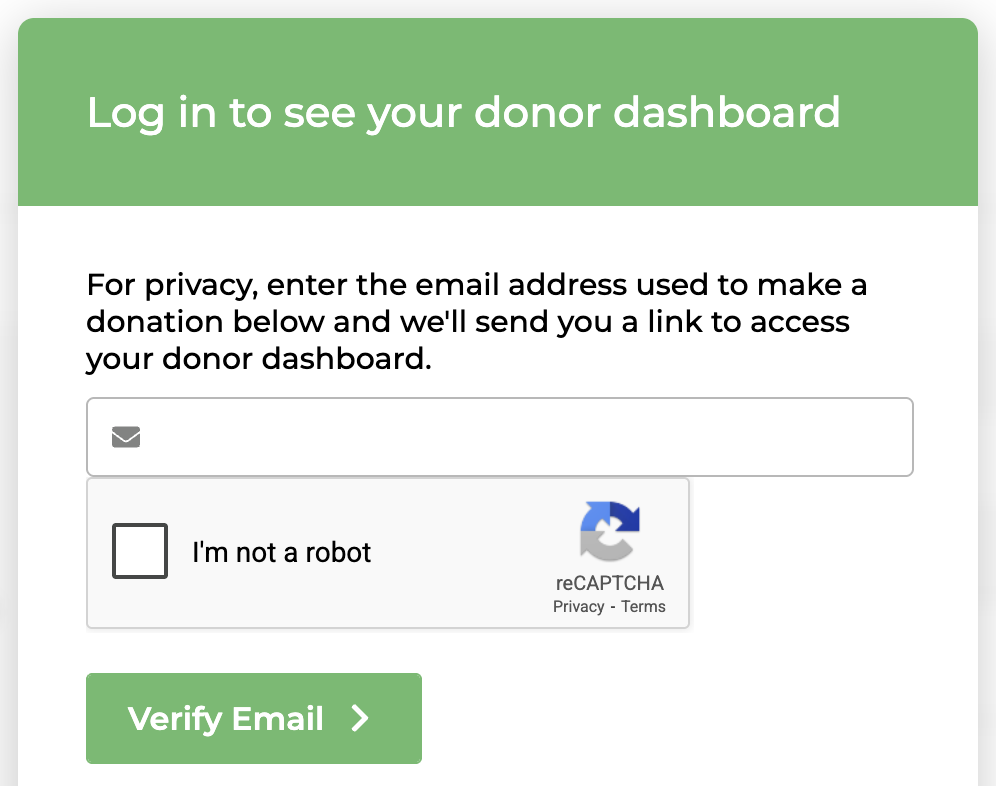
Visit the Donor Dashboard page. You will see a screen that says: “Log in to see your donor dashboard.” Enter the email address you used when making your donations.
Then:
-
Enter your email address
-
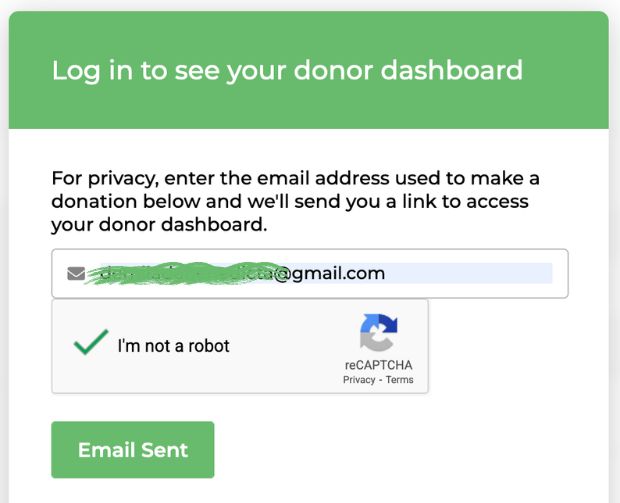
Check the “I’m not a robot” verification
-
Click Verify Email
A secure access link will immediately be sent to your email.
Step 2 - Check Your Email
After submitting your email, you will receive an email from: DaBible Foundation Donations The email will say Confirm Email and include a link.
Click the button: “View your donation history”
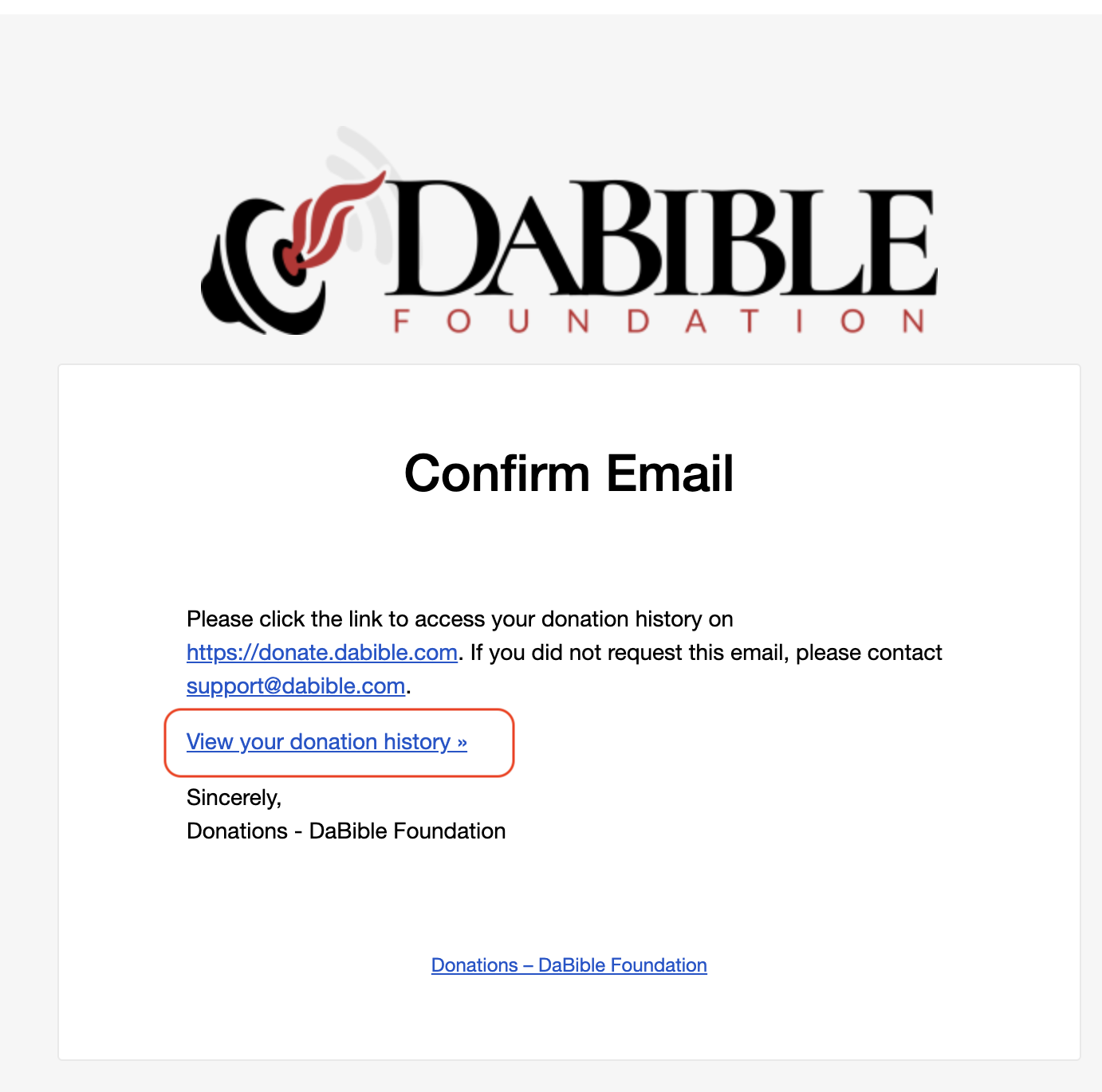
This secure link will automatically log you into your personal donor dashboard.
Step 3 - Open Your Donor Dashboard
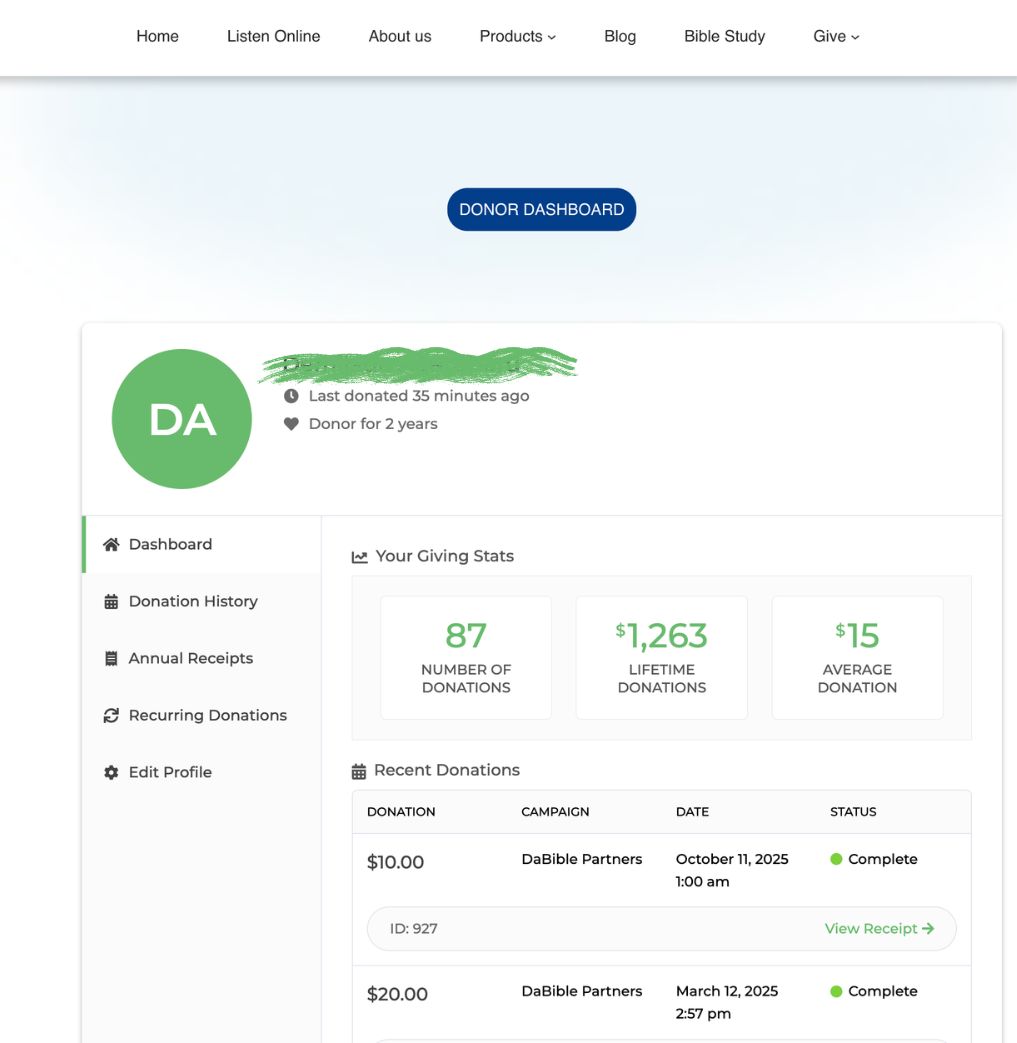
Once you click the link, your Donor Dashboard will appear. Here you will see information such as: Your donor profile, donation statistics, donation history, and your annual receipts
This dashboard is secure and personalized to your giving account.
Step 4 - Click “Annual Receipts”
On the left side menu, click: Annual Receipts This section displays a table containing all your yearly donation summaries.
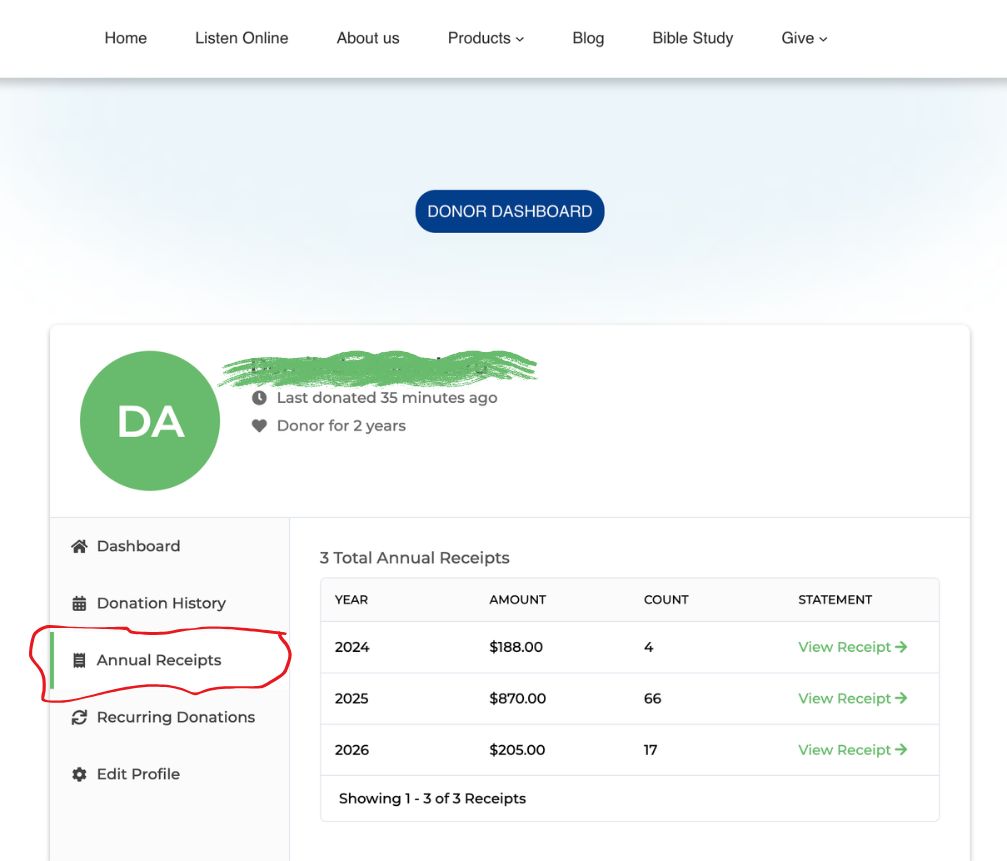
Step 5 - Download Your 2025 Donation Statement
In the Annual Receipts section you will see a table with columns. Locate the row for the last or current year.
Click: View Receipt →
Your official annual donation statement will open. You can now: Download the document, save it to your computer, print it or submit it with your tax return
What Your Donation Statement Contains
Your annual receipt includes:
• Donation dates
• Donation amounts
• Donation ID numbers
• Payment methods
• Total donations for the year
This document serves as your official charitable contribution record for tax purposes.
Need Help?
If you have any trouble accessing your donor dashboard, please contact us:
Our team will be happy to assist you.
Thank you again for supporting the mission of DaBible Foundation and helping us spread the Word and impact lives.